mvStock: Inventory Management Mobile App

This native, cost-effective, and cloud-based solution streamlines inventory counts at venues.

Faster, simpler stocktakes

Download the app, log into your MyVenue account, and start scanning. It’s that easy.

Real-time back office

Fully integrated with MyVenue’s back office and inventory control platform, scanning a barcode opens the item’s listing, where its quantity on hand (QOH) can be digitally updated.

The app also displays active counts and variance from the location’s expected QOH, helping users to identify missing stock or erroneous counts before completing the stocktake.

With all data imported directly into the back office, data entry is not double-handled, allowing stocktakes to be completed more quickly and accurately. What normally takes three staff members to complete can be accomplished with just one person using mvStock.


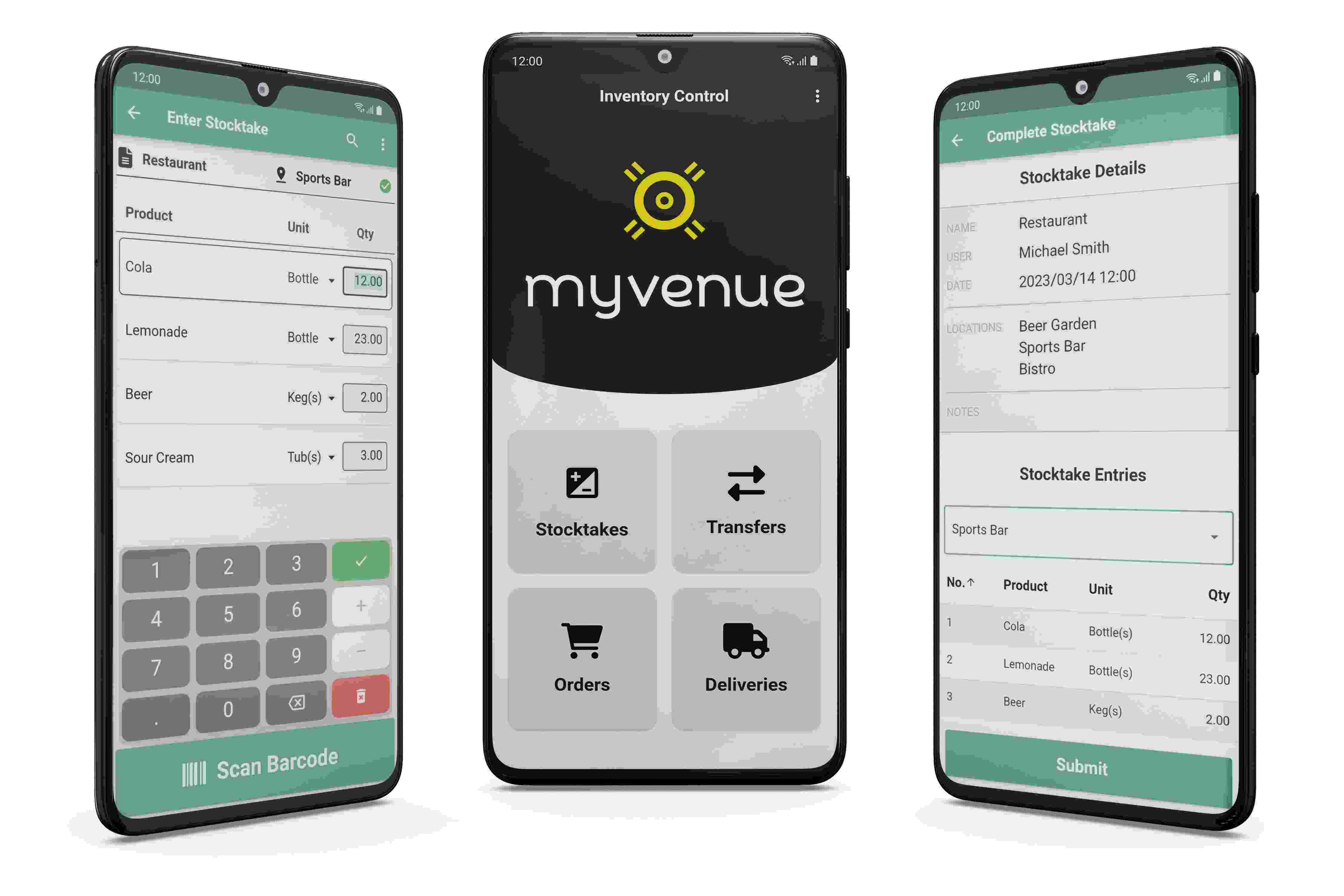
Mv Stock triple Android device

Truly hardware agnostic

mvStock functions on any Android or iOS mobile device with a camera, including staff cell phones. This helps reduce capital expenditure outlay at venues.

Next-gen features

As a cloud-based product, multiple users can simultaneously operate mvStock on separate devices and contribute to the same stocktake. Full offline functionality for new and continued counts similarly ensures stocktakes can be completed without disruption.

If mvStock doesn’t recognize a barcode, the Assign / Add functionality allows users to continue counting the stock by:

  1. Assigning the barcode to an existing product in the back office; or
  2. Giving the barcode an alias, which can be assigned to a product in the back office later

Via MyVenue’s robust user access controls, assigned users (i.e. Managers) can use the override option to correct erroneous stock counts, while QOH counts can also be hidden from other user groups (i.e. POS attendants).

Beautifully Designed, Easy To Use POS

To request more information about our POS solution, complete the form.